
Understanding GA4: What's New and How to Migrate
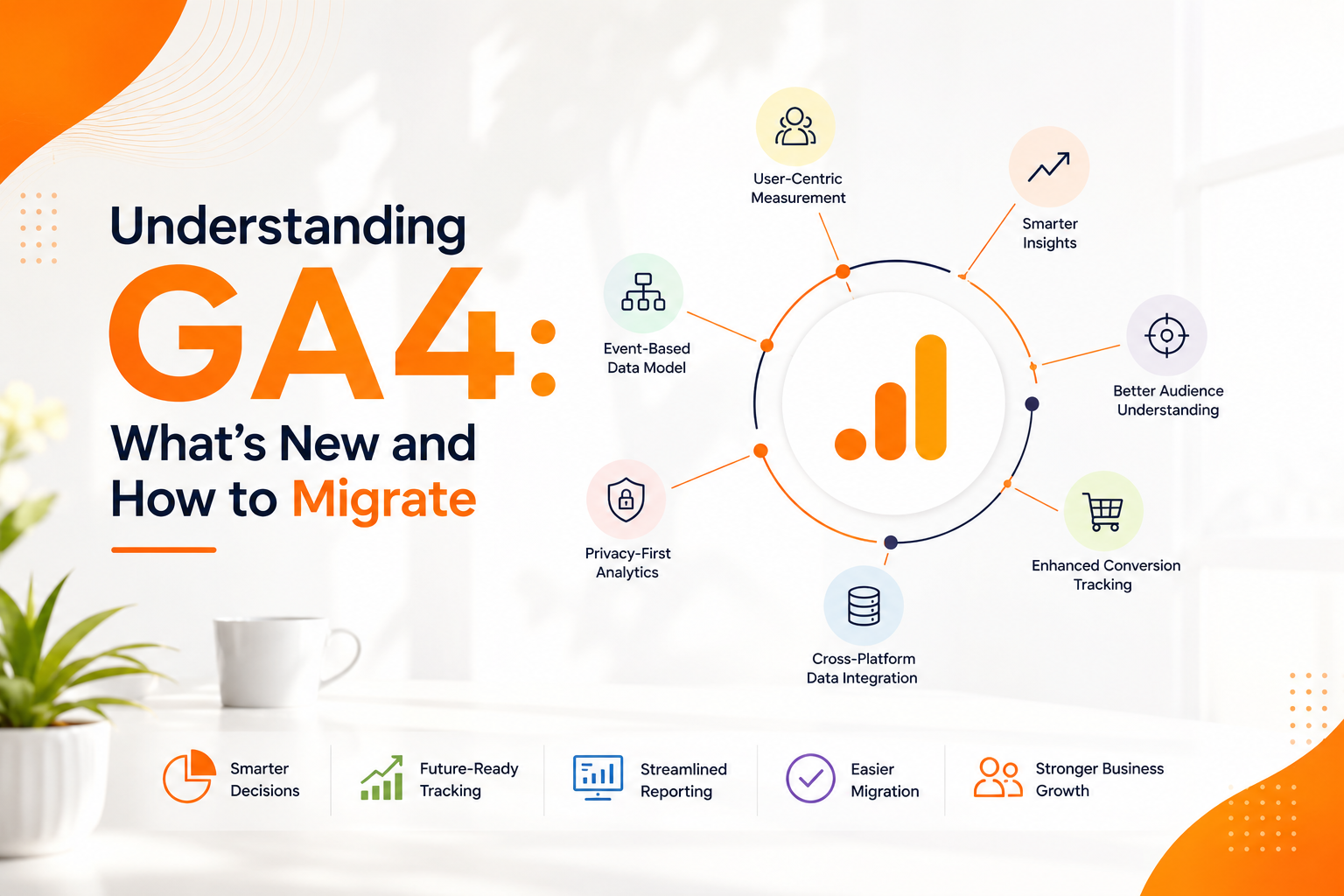
Understanding GA4: What's New and How to Migrate
Category
Digital Marketing
Date Released
24 July, 2026
Author
Admin
Understanding GA4: What's New and How to Migrate
Data has become one of the most valuable assets for businesses in the digital era. Whether you're running an eCommerce store, corporate website, SaaS platform, or blog, understanding how visitors interact with your website is essential for making informed business decisions.
Google Analytics has long been the industry standard for website analytics. However, with the introduction of Google Analytics 4 (GA4), businesses now have access to a more intelligent, privacy-focused, and event-driven analytics platform.
If you're still relying on outdated analytics methods or want to understand GA4 better, this guide explains what's new, why GA4 matters, and how to migrate successfully.
What is Google Analytics 4 (GA4)?
Google Analytics 4 (GA4) is Google's latest web and app analytics platform. Unlike Universal Analytics (UA), which relied heavily on sessions and pageviews, GA4 uses an event-based data model that provides deeper insights into user behavior across websites and mobile applications.
GA4 helps businesses:
- Measure User Engagement
- Track Customer Journeys
- Monitor Website Performance
- Analyze Marketing Campaigns
- Improve Conversion Rates
- Make Data-Driven Decisions
Why Did Google Introduce GA4?
Consumer behavior has changed dramatically over the last decade.
People now interact with businesses through:
- Websites
- Mobile Apps
- Social Media
- Online Stores
- Multiple Devices
GA4 was designed to provide unified tracking across these touchpoints while offering stronger privacy controls and more advanced reporting.
What's New in GA4?
1. Event-Based Tracking
The biggest difference between Universal Analytics and GA4 is the event-based measurement model.
Instead of tracking only pageviews and sessions, GA4 automatically records events such as:
- Page Views
- Scrolls
- Video Plays
- File Downloads
- Clicks
- Form Submissions
- Outbound Links
This provides a more complete understanding of user interactions.
2. Cross-Platform Tracking
GA4 combines website and mobile app data into a single property.
Benefits include:
- Unified Reporting
- Better Customer Journey Analysis
- Multi-Device Tracking
- Improved Attribution
3. Enhanced Measurement
Many tracking features are enabled automatically without additional coding.
Examples include:
- Scroll Tracking
- Site Search
- Video Engagement
- Outbound Clicks
- File Downloads
This reduces setup complexity.
4. AI-Powered Insights
GA4 uses machine learning to identify trends and predict user behavior.
Examples include:
- Purchase Probability
- Churn Probability
- Revenue Forecasting
- Anomaly Detection
These insights help businesses optimize marketing campaigns and customer retention strategies.
5. Privacy-Focused Analytics
GA4 is built for a privacy-first internet.
Key improvements include:
- Better Cookie Controls
- Flexible Data Retention
- Consent Mode Support
- Compliance with Modern Privacy Standards
This helps businesses adapt to changing privacy regulations.
Universal Analytics vs GA4
| Universal Analytics | Google Analytics 4 |
|---|---|
| Session-Based | Event-Based |
| Website Tracking | Website + App Tracking |
| Limited AI | Machine Learning Insights |
| Separate Properties | Unified Property |
| Basic Reporting | Advanced Exploration Reports |
| Older Attribution | Data-Driven Attribution |
Benefits of Using GA4
Businesses can use GA4 to:
- Understand Customer Behavior
- Improve Marketing ROI
- Track Campaign Performance
- Measure Conversions
- Optimize Landing Pages
- Analyze User Engagement
- Improve Customer Experience
- Support Better Business Decisions
How to Migrate to GA4
Migrating to GA4 is straightforward when approached systematically.
Step 1
Create a GA4 Property within your Google Analytics account.
Step 2
Install the GA4 tracking code using Google Tag Manager or directly on your website.
Step 3
Enable Enhanced Measurement.
Step 4
Configure important conversion events such as:
- Contact Form Submission
- Purchase
- Newsletter Signup
- Phone Call
- WhatsApp Click
- Demo Request
Step 5
Link GA4 with:
- Google Ads
- Google Search Console
- BigQuery (if required)
Step 6
Test all events to ensure accurate data collection.
Step 7
Create custom reports and dashboards tailored to your business goals.
Best Practices for GA4
To get the most value from GA4:
- Define Clear Business Goals
- Track Meaningful Events
- Configure Conversion Tracking
- Use Google Tag Manager
- Link Google Ads
- Monitor Reports Regularly
- Build Custom Audiences
- Analyze User Journeys
- Review Attribution Reports
- Keep Your Tracking Updated
Common GA4 Migration Mistakes
Avoid these common issues:
- Forgetting to install the tracking code
- Not configuring conversions
- Ignoring enhanced measurement
- Missing Google Ads integration
- Incorrect event naming
- Duplicate tracking
- Failing to test implementation
- Ignoring Search Console integration
Proper setup ensures reliable and actionable data.
How Businesswala Inc. Helps with GA4
Businesswala Inc. helps businesses implement and optimize Google Analytics 4 for accurate performance tracking.
Our services include:
- GA4 Setup
- GA4 Migration
- Google Tag Manager Setup
- Conversion Tracking
- Ecommerce Tracking
- Google Ads Integration
- Search Console Integration
- Custom Dashboards
- Website Analytics
- Performance Reporting
We ensure that your analytics setup supports smarter marketing decisions and measurable business growth.
Why GA4 Matters for Digital Marketing
GA4 plays a critical role in modern digital marketing by helping businesses understand how users interact with their websites and campaigns.
When combined with SEO Company in Agra, Google Ads Agency in Agra, Website Development Company in Agra, and Social Media Marketing Company in Agra, GA4 provides valuable insights that improve campaign performance, optimize conversions, and maximize return on investment.
Conclusion
Google Analytics 4 represents the future of website and app analytics. Its event-based tracking, AI-powered insights, cross-platform reporting, and privacy-focused design make it an essential tool for businesses of every size.
Migrating to GA4 not only prepares your business for the future but also provides deeper insights into customer behavior, helping you improve marketing performance and make informed business decisions.
If you're planning to implement GA4 or need expert assistance with analytics and digital marketing, Businesswala Inc. can help you set up a reliable analytics system that drives business growth.
Frequently Asked Questions
What is GA4?
GA4 (Google Analytics 4) is Google's latest analytics platform that tracks user interactions using an event-based data model across websites and mobile applications.
Why should I migrate from Universal Analytics to GA4?
GA4 offers better user tracking, AI-powered insights, cross-platform analytics, improved privacy controls, and more advanced reporting capabilities than Universal Analytics.
Can GA4 track eCommerce sales?
Yes. GA4 supports advanced eCommerce tracking, including product views, add-to-cart events, purchases, revenue, and customer journeys.
Does Businesswala Inc. provide GA4 setup services?
Yes. Businesswala Inc. offers GA4 implementation, migration, Google Tag Manager setup, conversion tracking, eCommerce tracking, and analytics consulting.