7 Key Strategies to Improve the Security of Your WordPress Website
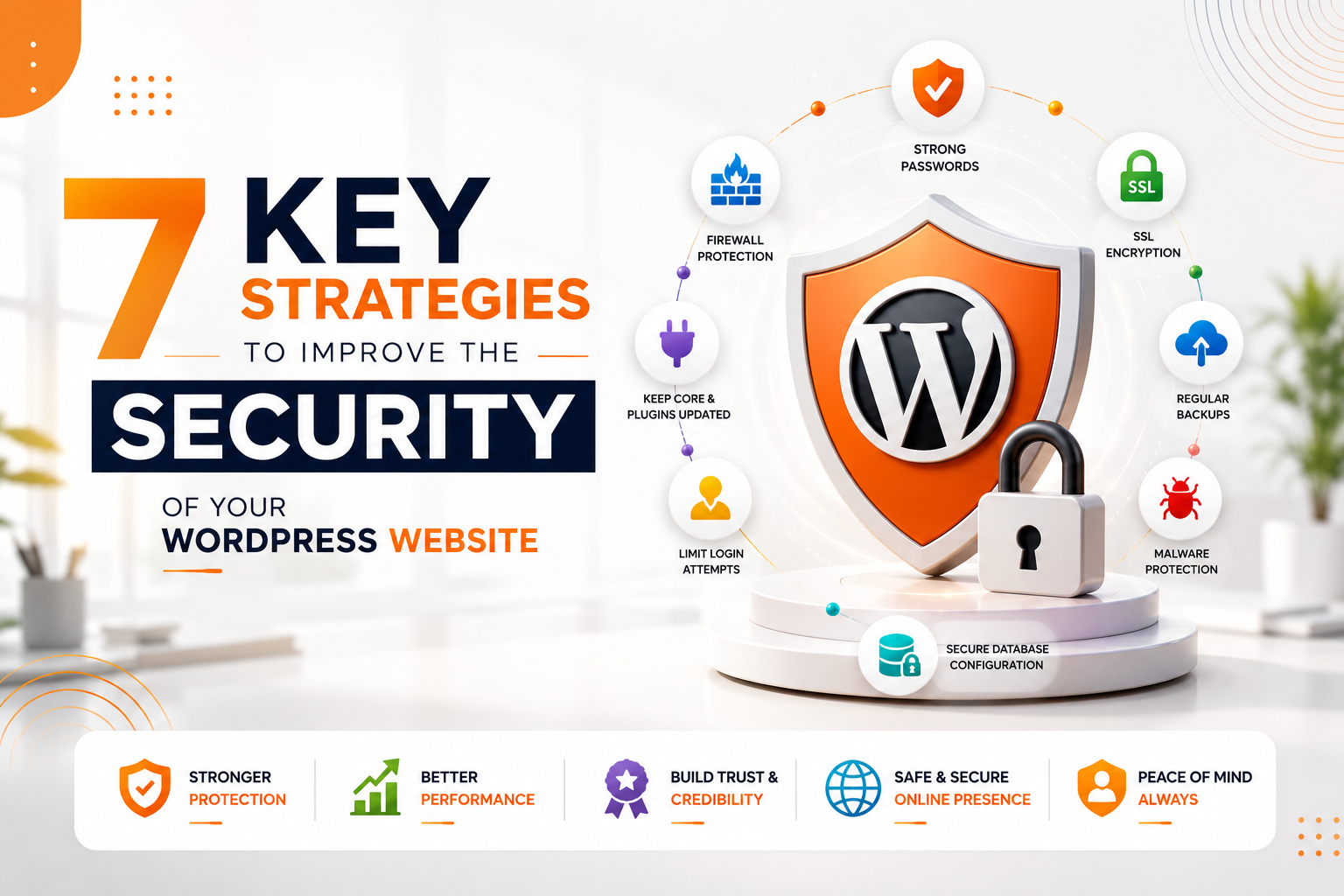
7 Key Strategies to Improve the Security of Your WordPress Website
Category
Web Development
Date Released
24 July, 2026
Author
Admin
7 Key Strategies to Improve the Security of Your WordPress Website
WordPress powers more than 40% of websites worldwide, making it the most popular Content Management System (CMS). Its popularity also makes it one of the most targeted platforms for hackers, malware attacks, brute-force login attempts, and security vulnerabilities.
A single security breach can lead to data loss, website downtime, poor search engine rankings, loss of customer trust, and financial damage. Fortunately, implementing a few proven security measures can significantly reduce these risks.
In this guide, we'll explore seven essential strategies to keep your WordPress website secure and protect your business from cyber threats.
1. Keep WordPress, Themes, and Plugins Updated
One of the most common reasons WordPress websites get hacked is outdated software.
Developers regularly release updates to:
- Fix security vulnerabilities
- Improve performance
- Patch bugs
- Add new features
- Enhance compatibility
Always update:
- WordPress Core
- Themes
- Plugins
- PHP Version
Before updating, create a complete backup so you can restore your website if needed.
2. Use Strong Login Credentials
Weak usernames and passwords make brute-force attacks much easier.
Best practices include:
- Avoid using "admin" as your username.
- Create long, complex passwords.
- Use a password manager.
- Change passwords regularly.
- Limit administrator accounts.
Strong authentication is your first line of defense against unauthorized access.
3. Enable Two-Factor Authentication (2FA)
Two-Factor Authentication adds an extra layer of security by requiring a second verification step after entering your password.
Common verification methods include:
- Authentication Apps
- SMS Codes
- Email Verification
- Security Keys
Even if a password is compromised, attackers cannot access your account without the second authentication factor.
4. Install a Trusted Security Plugin
A reliable security plugin can automatically monitor and protect your website.
Useful features include:
- Malware Scanning
- Firewall Protection
- Login Attempt Limiting
- File Integrity Monitoring
- Security Alerts
- IP Blocking
Popular WordPress security plugins include:
- Wordfence Security
- Solid Security (formerly iThemes Security)
- Sucuri Security
- All-In-One WP Security & Firewall
Choose a reputable plugin and keep it updated.
5. Perform Regular Website Backups
Backups are your safety net if something goes wrong.
Create automated backups of:
- Database
- Website Files
- Media Library
- Themes
- Plugins
- Configuration Files
Store backups in multiple secure locations such as cloud storage or external servers.
Regular backups allow you to restore your website quickly after malware infections, accidental changes, or server failures.
6. Secure Your Website with SSL and Firewall Protection
An SSL certificate encrypts data transferred between your website and visitors, improving both security and user trust.
Additional protection includes:
- Web Application Firewall (WAF)
- DDoS Protection
- Secure HTTPS Connections
- DNS Security
- CDN Security Features
A firewall helps block malicious traffic before it reaches your website.
7. Limit User Permissions and Monitor Activity
Not every user requires administrator access.
Follow the principle of least privilege by assigning only the permissions necessary for each role.
Common roles include:
- Administrator
- Editor
- Author
- Contributor
- Subscriber
Additionally:
- Remove inactive users.
- Audit login activity.
- Monitor file changes.
- Review security logs regularly.
These practices reduce the risk of accidental or malicious changes.
Additional WordPress Security Best Practices
Beyond the seven core strategies, consider implementing these additional measures:
- Disable File Editing in the WordPress Dashboard
- Change the Default Login URL
- Disable XML-RPC if unused
- Use Secure Hosting
- Enable Automatic Malware Scans
- Protect the wp-config.php File
- Restrict Directory Browsing
- Use Secure File Permissions
- Monitor Website Uptime
- Enable Email Security Notifications
Common WordPress Security Mistakes
Avoid these mistakes that leave websites vulnerable:
- Using Pirated Themes or Plugins
- Ignoring Software Updates
- Weak Passwords
- No Website Backups
- Installing Too Many Plugins
- Poor Hosting Providers
- Unsecured Admin Panels
- Not Using HTTPS
- Lack of Malware Monitoring
- No Firewall Protection
Why Website Security Matters for SEO
Google prioritizes secure websites in search results. A hacked website may experience:
- Search Ranking Drops
- Security Warnings
- Blacklisting
- Loss of Organic Traffic
- Reduced Customer Trust
- Lower Conversion Rates
Combining strong security with SEO Company in Agra, Website Development Company in Agra, and Digital Marketing Company in Agra services helps create a reliable, high-performing online presence.
Why Businesses Choose Businesswala Inc.
Businesswala Inc. provides secure WordPress website development, performance optimization, website maintenance, malware removal, security hardening, and ongoing technical support.
Our services include:
- Secure WordPress Development
- Website Security Audits
- Malware Cleanup
- Performance Optimization
- Website Maintenance
- SSL Installation
- Firewall Configuration
- Backup Management
- WooCommerce Security
- Hosting Support
We build websites that are fast, secure, scalable, and optimized for long-term business growth.
Conclusion
WordPress security is not a one-time task—it's an ongoing process. By keeping your website updated, using strong authentication, enabling two-factor authentication, installing trusted security tools, maintaining regular backups, securing your hosting environment, and carefully managing user permissions, you can greatly reduce the risk of cyberattacks.
Protecting your website also protects your business reputation, customer data, search engine rankings, and revenue. Investing in proactive security today can save significant time, money, and stress in the future.
Frequently Asked Questions
Is WordPress secure?
Yes. WordPress is secure when it's properly maintained with regular updates, trusted plugins, strong passwords, and appropriate security measures.
Which security plugin is best for WordPress?
Popular options include Wordfence Security, Solid Security, Sucuri Security, and All-In-One WP Security & Firewall. The best choice depends on your website's requirements.
How often should I back up my WordPress website?
Business websites should be backed up daily or whenever significant changes are made. High-traffic eCommerce websites may require more frequent backups.
Can a hacked WordPress website be recovered?
Yes. In most cases, a hacked website can be restored using clean backups, malware removal, updated software, and strengthened security settings.